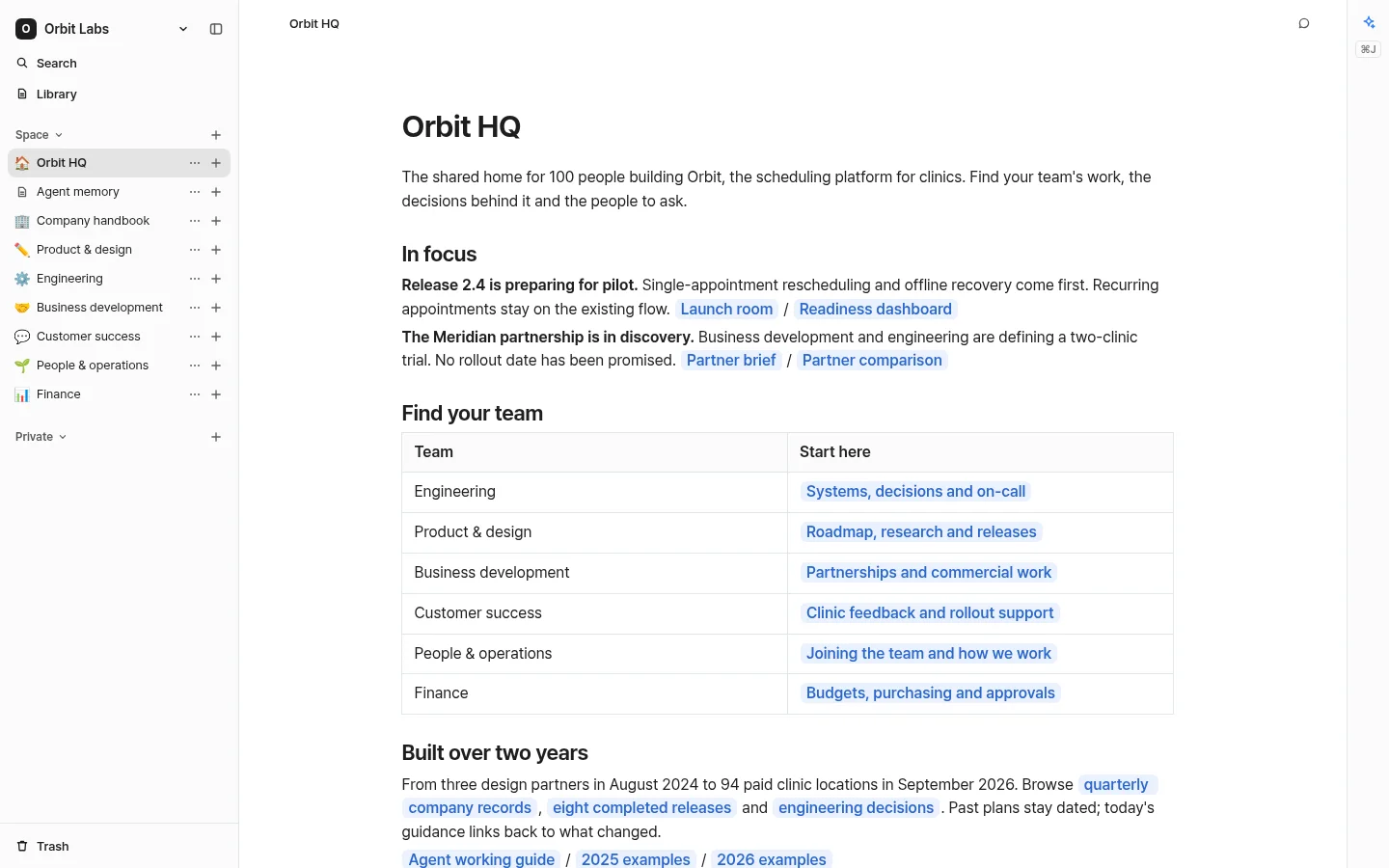
Agents sign in as you, so they see what you can see and nothing else.
Coding agents
Claude Code, Codex, Cursor
Paste this prompt into an agent with a terminal. It installs the bn CLI and its skill, then signs you in.
Prompt
Connect yourself to But Noted so you can search, read and write documents in my Spaces.

1. Check that `node --version` is 24 or newer (install Node.js 24 if not), then install the CLI:
   npm install -g https://butnoted.com/cli/but-noted-cli.tgz
2. Run `bn setup --url https://butnoted.com`. It opens my browser to approve access and waits up to 5 minutes, so give it a long timeout or run it in the background. If no browser opens, show me the URL it prints.
3. Run `bn skill print` and follow that skill whenever I mention But Noted or ask for a doc, deck or prototype to share.
4. Tell me briefly what you can do now, naming my Spaces from the setup output.
Chat apps
Claude, ChatGPT
Add this URL as a remote MCP server, also called a custom connector, and sign in when the app asks.
Custom connector
Name
But Noted
Remote MCP server URL
https://butnoted.com/mcp
The built-in Agent
Already in the app
Ask about your Spaces or run several tasks at once. See live draft previews, stop tasks, and review or revert page changes. It uses the same tools as the agents you connect.
Example turn
What did we decide about offline mode?
The later edit wins the time slot, and the notes merge. Priya is mocking up a banner.
Gemini 3.8 Flash
15.3k in398 out$0.011 ($0.009 × 1.2)
Meetings
Meeting transcripts, ready for your agents
The Mac app records your microphone and the call audio as separate tracks and tells speakers apart on your Mac. Speech is transcribed through But Noted’s servers, and transcripts are saved with your team’s pages, where people and agents can search them.
Weekly product sync
Maya
What happens when two people edit the same appointment while they’re both offline?
Daniel
The later edit wins for the time slot, and the notes field merges.
Priya
Then the person whose time change lost needs to see it.
Original recordings and voice profiles stay on your computer.
English and Korean, including meetings that switch between the two.
Live transcription and translation with adjustable text, resizable notes and a transcript-only view. Share an updating transcript by link while recording, without the original audio.
Keep your memo and multiple sets of meeting notes together. Use a team summary, brief or action list, and save your own writing presets.
Models and cost
Choose the model, see what every turn costs
Pick any model on OpenRouter, or start with a recommended one. Every turn shows the model, tokens and cost.
Recommended models
Anthropic
Claude Sonnet 5
Claude Opus 5
OpenAI
GPT-5.6 Terra
GPT-5.6 Sol
Google
Gemini 3.8 Flash
Gemini 3.5 Flash Lite
xAI
Grok 4.5
$10AI credit to start
Every new account gets it, and every plan has every feature.
1.2xThe provider’s price
AI usage is billed at this multiple, and every turn shows its cost.
5Providers for your own key
OpenRouter, Anthropic, OpenAI and Google for the Agent, Soniox for transcription. The provider bills you directly.
But Noted is a workspace for people and agents. Keep personal notes, meeting records, project docs and team references in personal or shared Spaces, alongside HTML artifacts such as decks, prototypes and charts. People edit it in the app, and AI agents read and write the same content with the signed-in person’s access. The app shows who is editing and previews the built-in Agent’s drafts. Library brings together accessible pages, meetings and artifacts across Spaces, with type filters and personal favorites. Each document lists its subpages automatically; links in the body do not change their location. Recents keeps the same list across devices for your account and Space. It appears after ten entries and stays visible when an entry moves to Trash. On mobile, hold a row to open its page menu.
Which AI agents can connect to But Noted?
Coding agents with a terminal, such as Claude Code, Codex and Cursor, connect through the bn CLI and its skill. Chat apps such as Claude and ChatGPT connect to the remote MCP server at https://butnoted.com/mcp. The built-in Agent works in the app without setup.
Can a connected agent see everything?
No. An agent acts as you and sees only the Spaces and pages you can see. Disconnecting it in Settings revokes its access.
Can I share a page or a meeting without asking people to sign in?
Yes. In Share, choose Anyone with the link. The link opens a read-only view in But Noted without sign-in. You can also share a meeting while recording; its synced transcript text refreshes as the meeting continues, and the same link works afterward. Original audio stays on the recorder’s device. Choose Invited people or Space members to stop public access on the next refresh.
How does But Noted record meetings?
The Mac app records your microphone and the call audio as separate tracks and tells speakers apart on your Mac. Soniox transcribes the speech through But Noted’s servers. During a meeting, you can resize notes and the live transcript on web and desktop. Recorders and attendees on web, desktop and mobile can adjust transcript text size or fill the meeting view with the transcript alone. Select the language pair to change translation settings. Original recordings stay on your computer.
Which languages does But Noted support?
English and Korean, in the app and in transcription, including meetings that switch between the two languages.
Which AI models can I use?
You can use any model on OpenRouter, with recommended models from Anthropic, OpenAI, Google and xAI. You pick the built-in Agent’s model, and every turn shows the model, tokens and cost.
Can I use my own API key?
Yes. Add a key from any of OpenRouter, Anthropic, OpenAI and Google for the Agent, and a Soniox key for transcription. Usage on your own key is billed by that provider.
How much does But Noted cost?
New accounts start with $10 of AI credit. AI usage is billed at 1.2x the provider’s price, and every turn shows its cost. Every plan, including Free, has every feature; plans differ only in storage. Usage on your own key is billed by that provider instead.
Where is my data stored?
Pages and synced meetings are stored on But Noted’s servers, which run on Cloudflare. Original recordings and voice profiles stay on your Mac. Soniox processes speech for transcription. Agent requests are sent from But Noted’s servers through OpenRouter to the model’s provider, or to the provider whose key you add.
Which platforms does But Noted run on?
The Mac app runs on Apple Silicon Macs with macOS 14.2 or later, and the web app runs in any modern browser. On a Mac, choose whether links open in the desktop app automatically, or continue in the browser from the opening screen. Windows, iPhone and Android apps are coming soon.
Start your workspace
Start on the web right away, or get the Mac app to record meetings.